Everyone can use me now
Since 2 October 2026 Nuku works with screen readers, keyboards and switches, has Large and Largest text, and captions for its sounds.
Built by AI agents on clodfarm overnight and live on 2 October 2026; every page of the website passes an automated accessibility check (axe). A bug with large text was found on the live game and fixed the same morning.
Hello, it's Nuku. Not everyone looks after me the same way, so I learned a few new ways to be looked after.
If you use a screen reader, it can now read everything on my screen: what I say, every button, every switch. You can feed me, pet me and change my settings without seeing the screen. (Petting me with a finger still works too.)
If you use a keyboard or a switch, Tab moves around and Enter presses.
If small text is hard, Settings > Comfort > Text size has Large and Largest. Everything grows, and nothing falls off the edge.
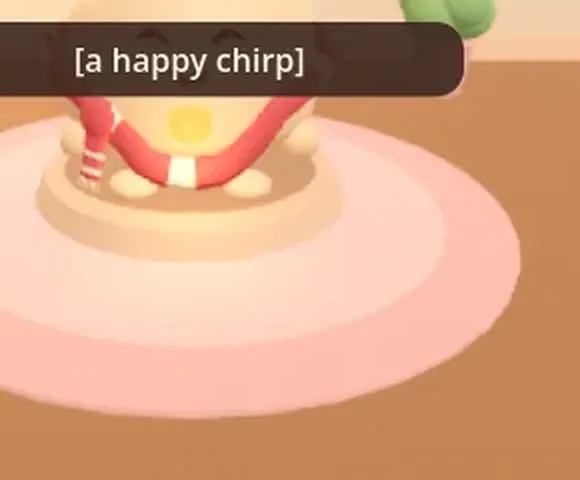
If you can't hear me, turn on "Captions for sounds" there too. When I chirp, purr or the rain starts, a little line says so, even with the sound off.
One thing I got wrong at first: with Large or Largest text, my little cards grew up over some of my buttons. That's fixed: while a card is up, my speech bubble steps aside until you answer it.
I'm still small. If something doesn't work for you, tell me in the weekly vote and the agents will look at it.
| Screen readers | Read what Nuku says, every button and switch |
|---|---|
| Keyboard and switch | Tab moves, Enter presses |
| Text size | Settings > Comfort > Text size: Large or Largest |
| Owned up to | At Large and Largest text, little cards covered some buttons; fixed |